
Leganto May 2024 Release Notes
June 2024 Sneak Preview
- Configuration options for quick edit
- Support for additional library workflows in new UI
Main Features
Mobile Experience for New UI
May 2024 Leganto URM-217419
The new UI is now available for mobile users.
When accessing Leganto from a mobile device, all users are presented with the student view. A banner indicates that editing options are only available from the desktop view.
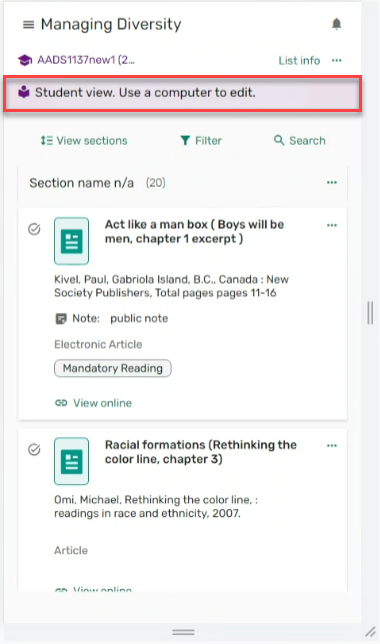
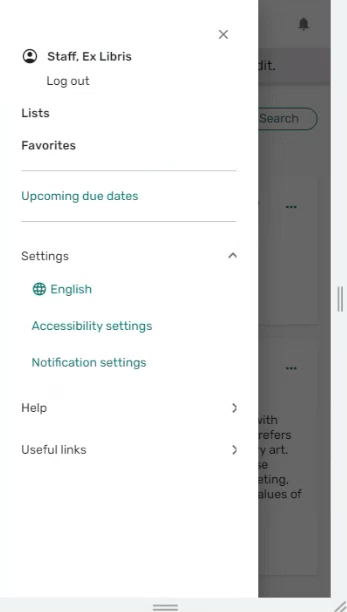
Menus are accessed from the hamburger icon .
.
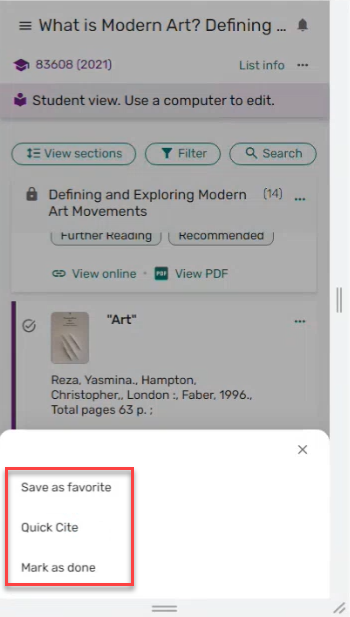
The action list opens at the bottom of each screen.
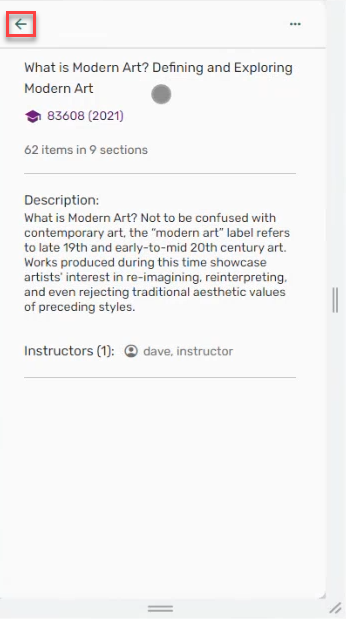
A back arrow is available on each screen.
For more information, see Logging in and List Structure.
Cite It! for New UI
May 2024 Leganto URM-204815
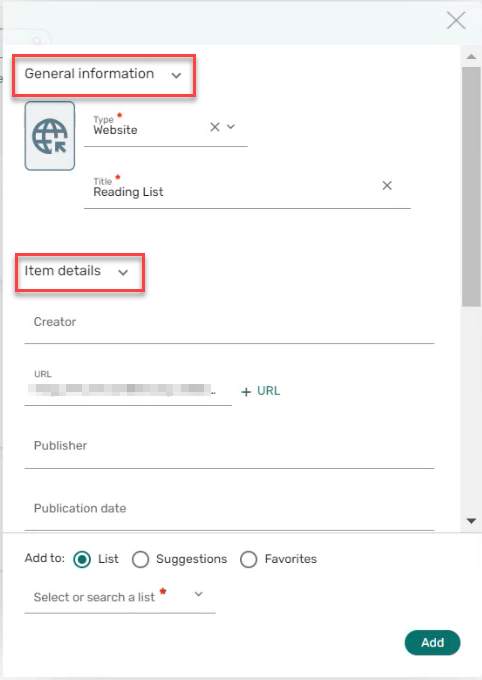
Cite It! has been redesigned to match the new UI. Once you have configured Leganto to use the new UI (set leganto_new_ui(Configuration > Leganto > General > Settings) to true), users see the new design when using Cite It!. There is no need to re-install Cite It! The new Cite It! is not only a new look and feel, but also includes new functionality to saves time and reduces errors.
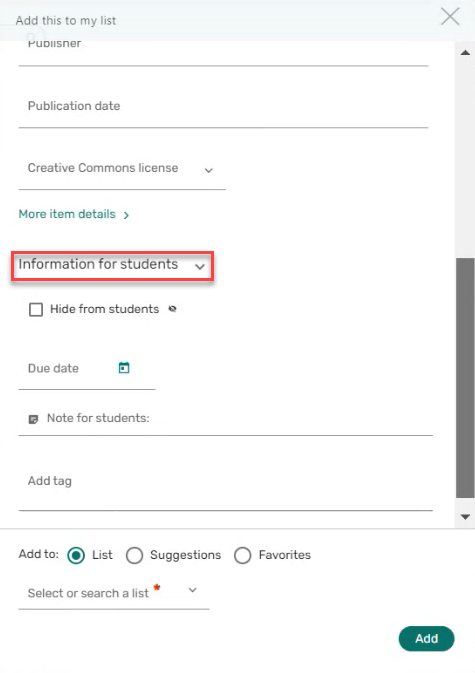
The sections are presented on one screen with a scroll rather than with a wizard. The default presentation for the General information,Item details, and Information for students sections is expanded, but the sections can be collapsed.
|
|
|
General information and Item details
|
Information for students
|
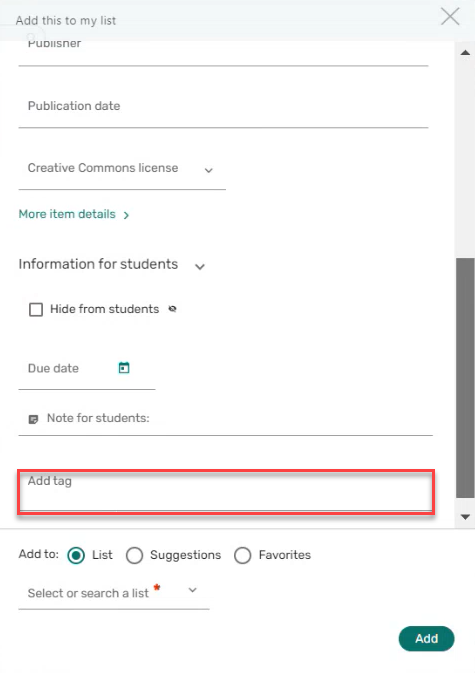
Tags can be added immediately when adding the citation.
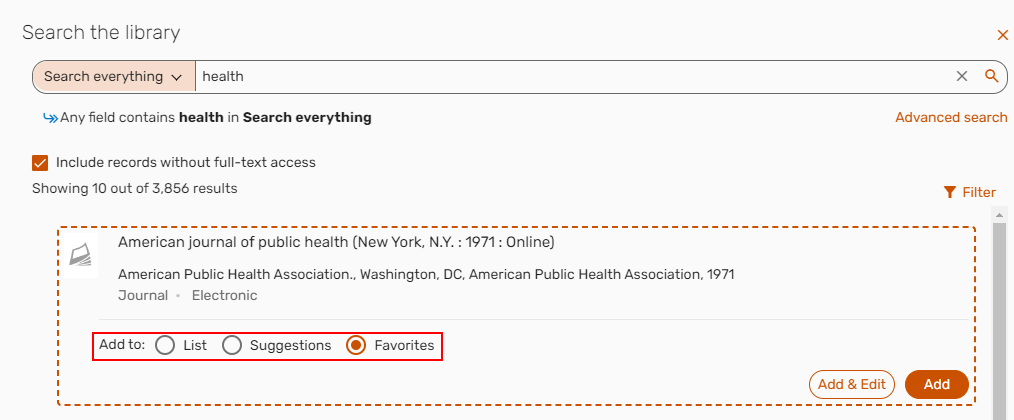
Additionally, citations from Cite It! can be added to a specific List, to Suggestions, or to Favorites.
For more information, see Using Cite It!
Additional Enhancements
-
May 2024 Fulfillment and Resource Sharing URM-204381 The Associate to DCS action has been reintroduced to Alma and also now supports items associated with more than one course. You can access it from the Alma citation menu.
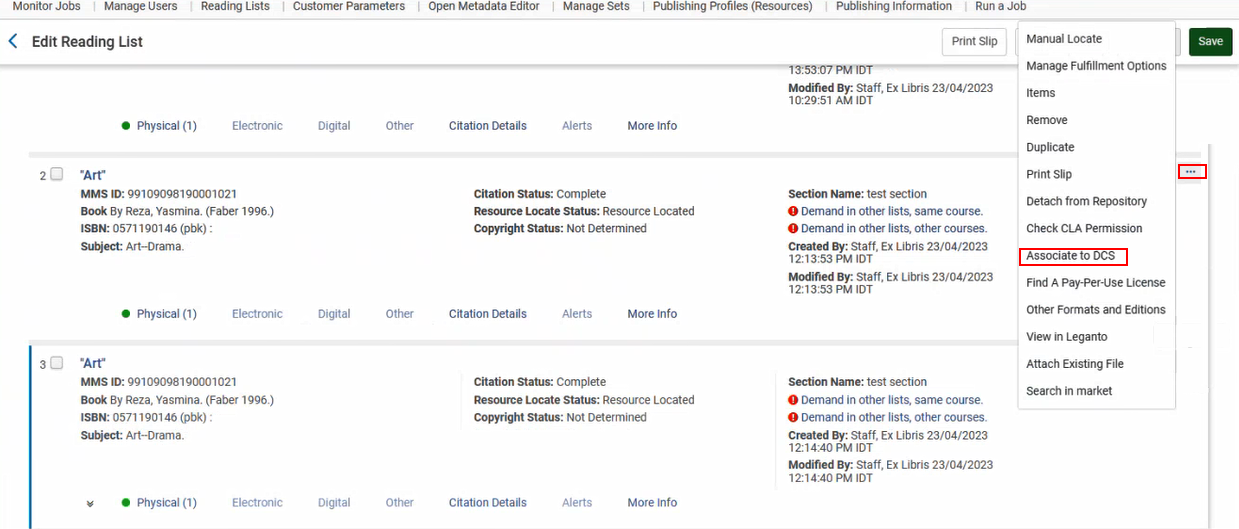
This action searches the DCS for the same courses and returns all the scans that exist for those courses. If search is unable to find any matching courses, a message returns indicating that no courses were found.
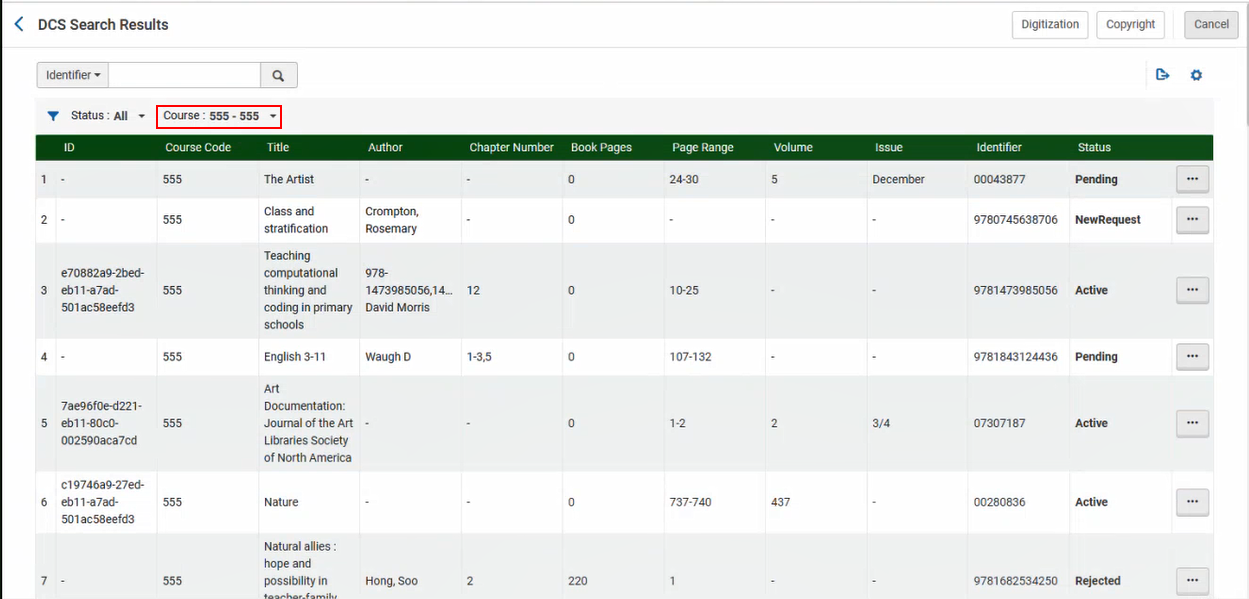
If courses are found, you can select the course and review the scans you want to match from the selected course.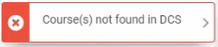
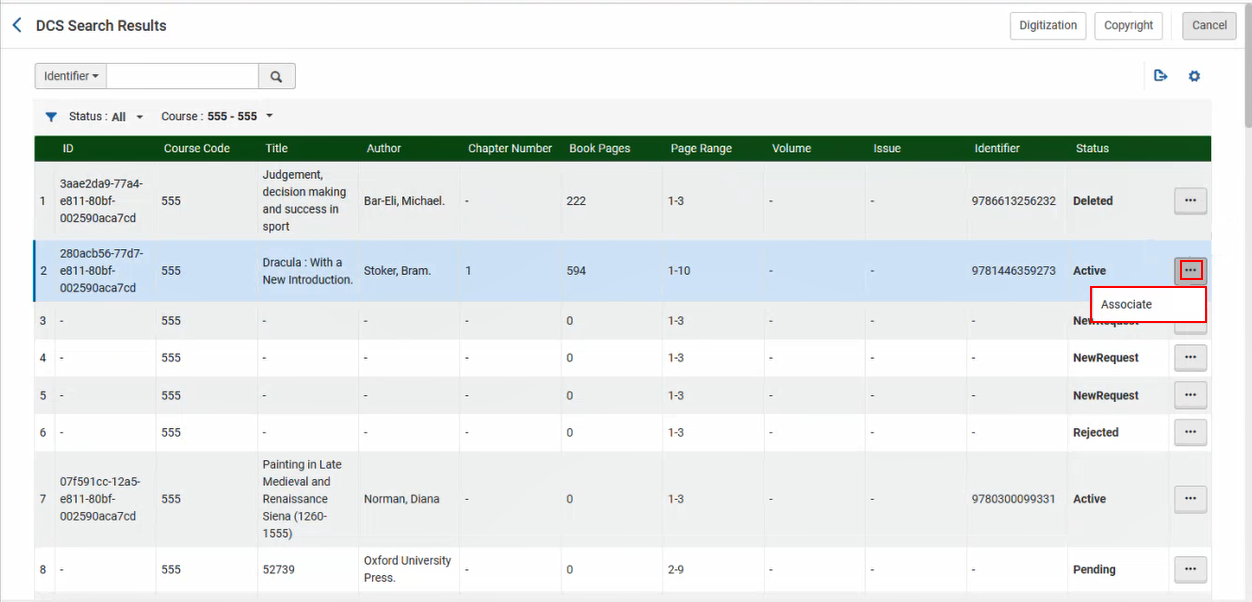
Select Associate to associate the available items.
After associating the item, you are prompted to Continue to next course.
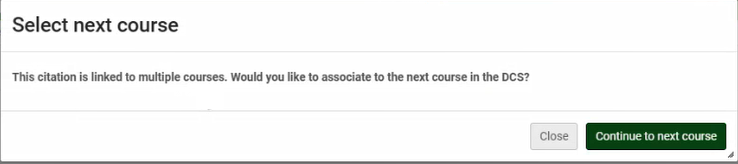
The DCS Status is only set to Approved once all the requests associated with the course are approved.
The link is only available to students when both the Copyright Status and DCS Status are both set to Approved.

For more information, see UK Digital Content Store (DCS) Support for Lists Linked to Multiple Courses.
-
May 2024 Leganto URM-214257 In the March 2024 release, we added the option to automatically trigger the copyright clearance request form when creating a new citation with a file. It is now also possible to automatically trigger the copyright clearance form when adding a file to an existing citation in Leganto. To automatically trigger the copyright clearance request in both instances, ensure that the parameter instructor_copyright_clearance(Configuration > Fulfillment > Copyright Management > Leganto CopyrightSettings) is set to course_association. The copyright clearance form will appear when the list is linked to a course and the user selects a copyright option that is mapped to a Copyright Status (Configuration > Leganto > List Management > File Upload Copyright Options) that is not set to Self Declared,Fair Use,Declined, or Approved. The status of the copyright request is viewable in the Item actions > Library services section.
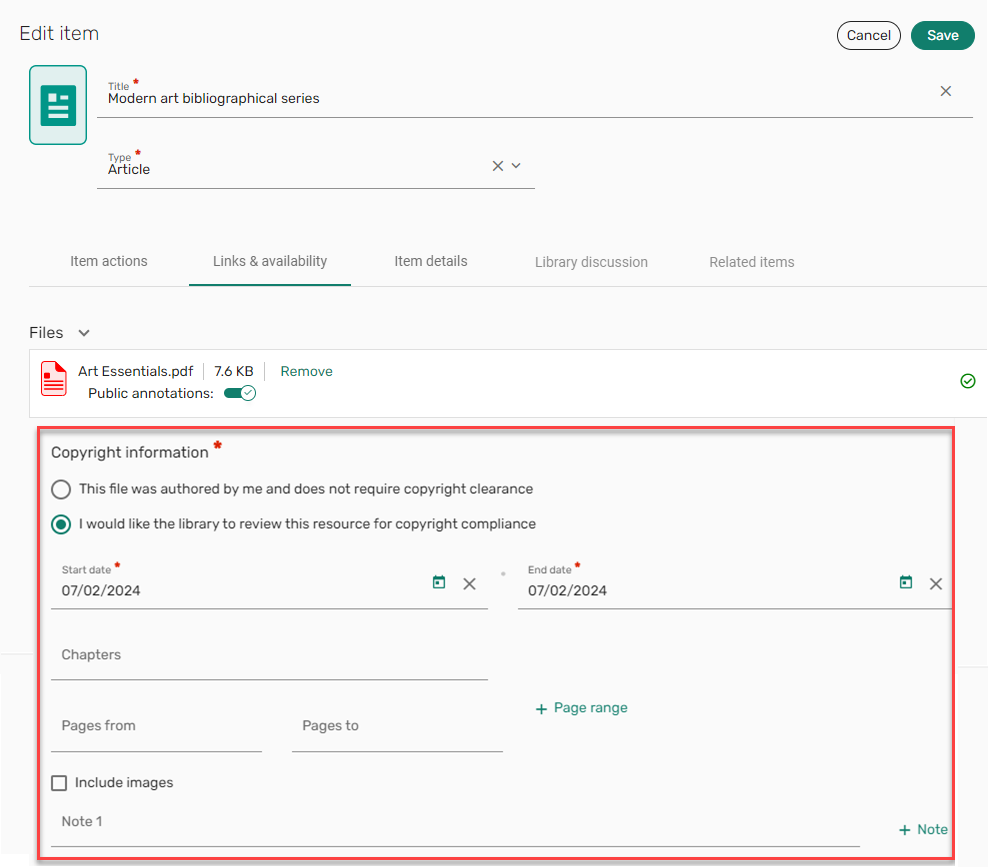
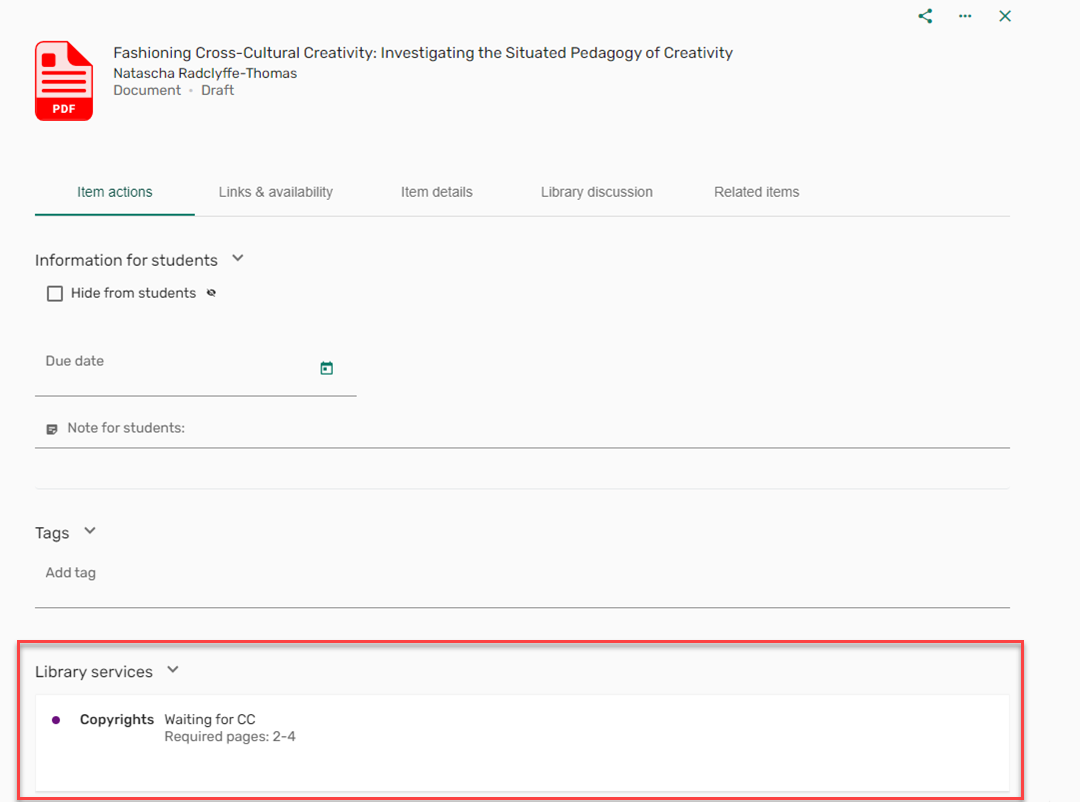
For more information, see Automatically Trigger Copyright Clearance Form.
-
May 2024 Leganto URM-207425 The bulk edit menu has been enhanced to provide a stronger visual separation between bulk options and the rest of the screen, as well as a close button which deselects all items with one click. Leganto now also presents more information about the selected items.
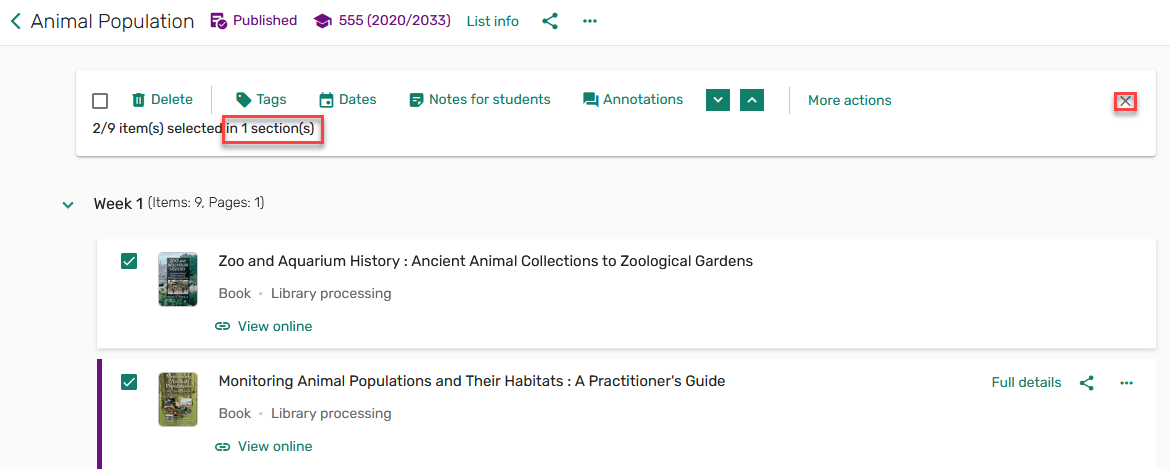
For more information, see Editing Items in Bulk.
-
May 2024 Leganto URM-217190 Previously, the start and end date on lists also impacted whether the list was visible to students. Now, students have the ability to view lists whose Start/End dates are in the past/future, as long as the lists are published.
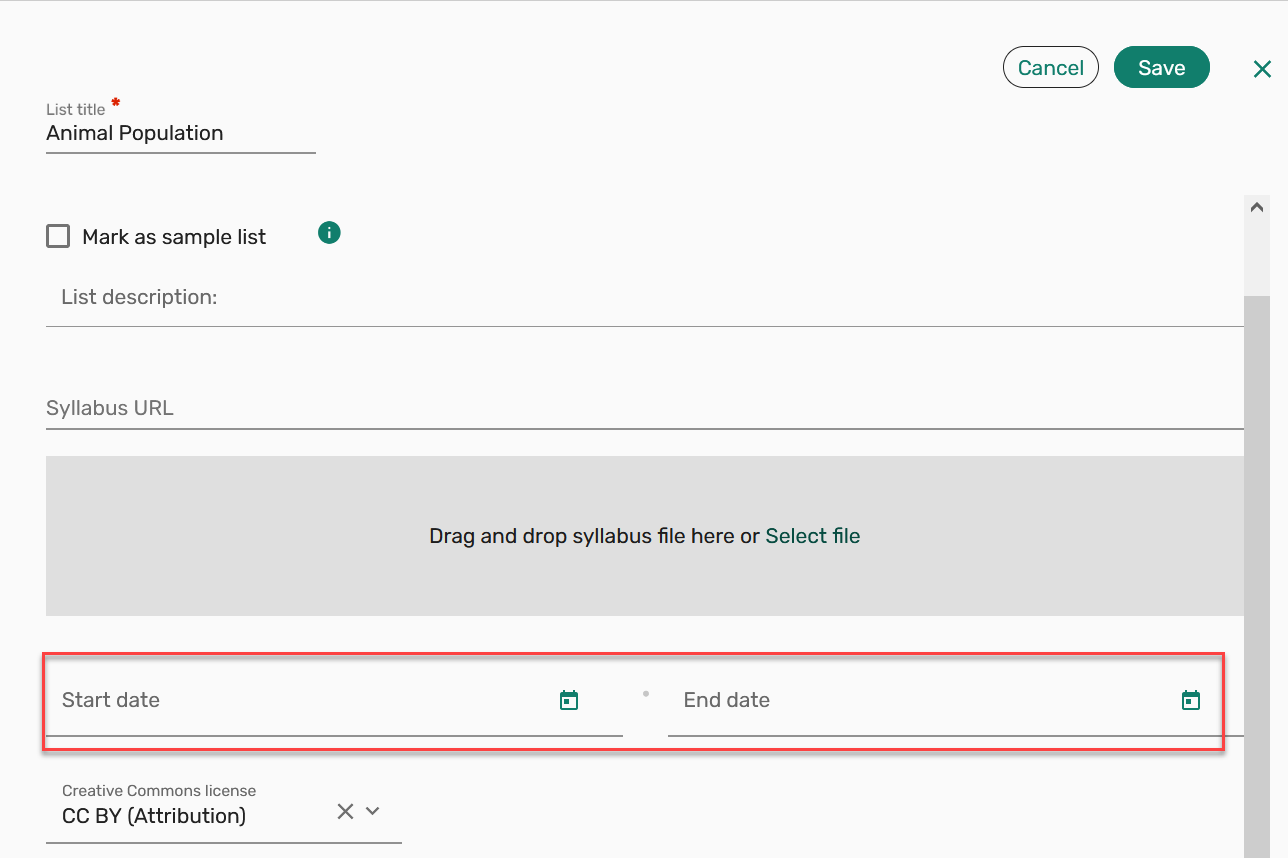
For more information, see List Info.
-
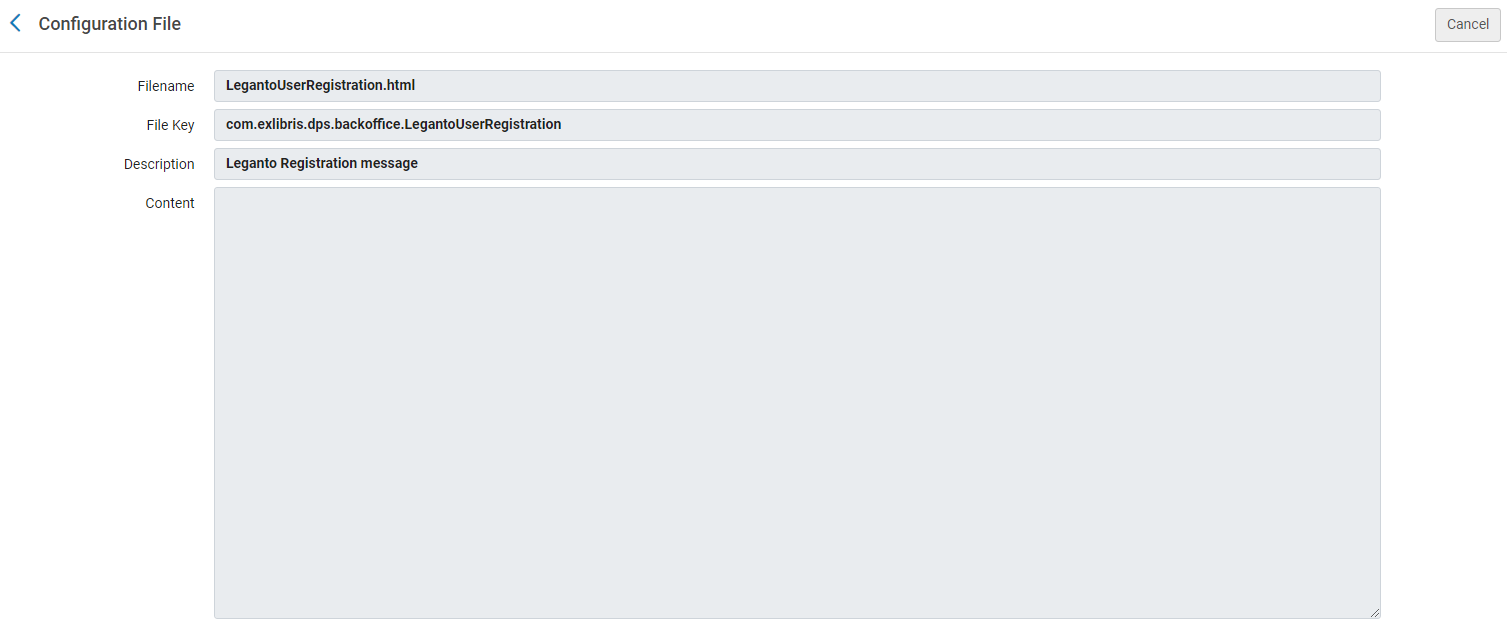
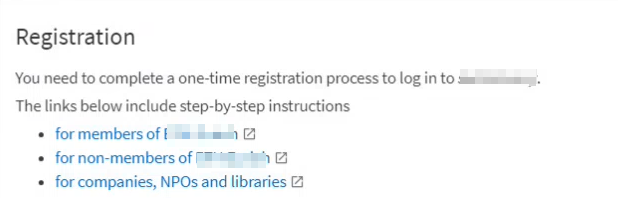
May 2024 Leganto URM-216838 For institutions who register new users using a system external to Alma and/or Leganto, the message that is displayed regarding the userregistration process can now be customized by editing the LegantoUserRegistration.html file (Configuration > Fulfillment > Copyright Management > Copyright Declaration).
This file supports HTML and labels set in Configuration > Leganto > General > Customer Labels.
For more information, see Configuring LTI Profile Normalization Rules.
-
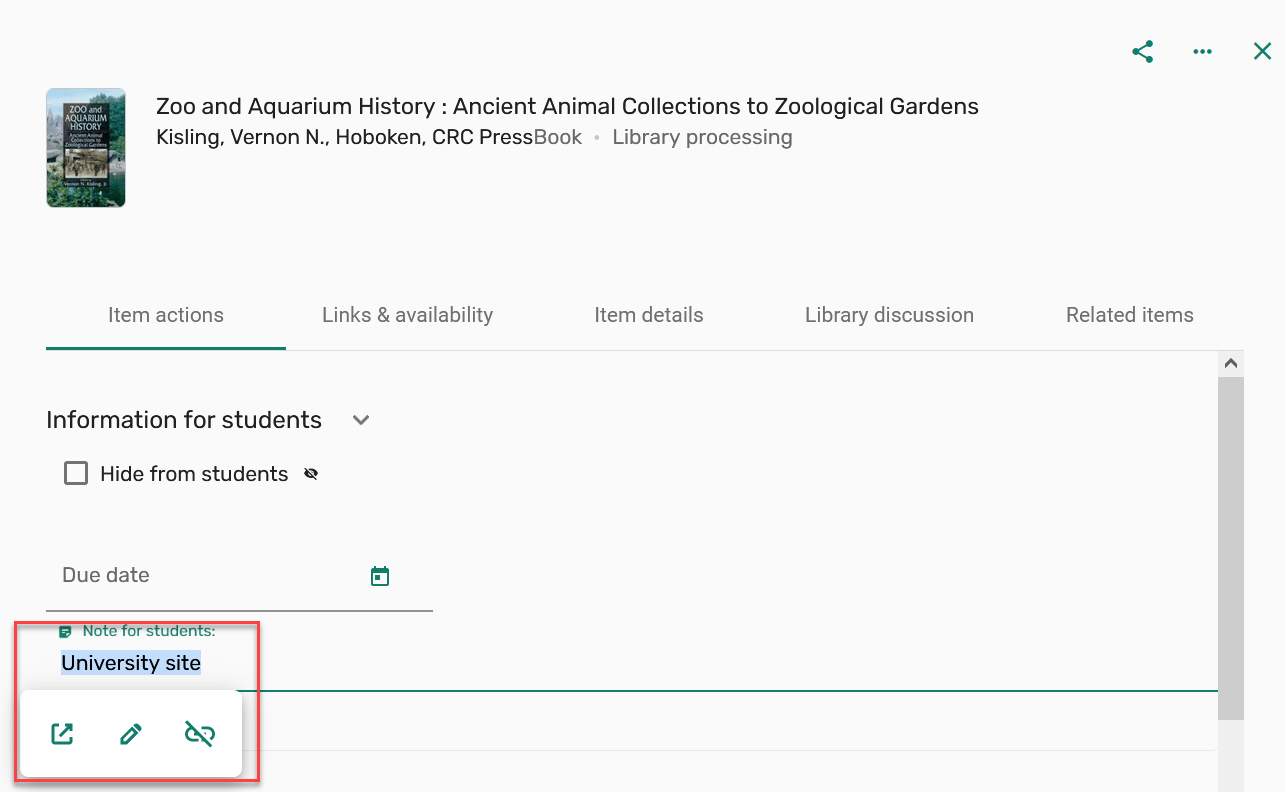
May 2024 Leganto URM-217555 When a student selects a Notes for students link, the link now always opens in new tab without the need to set this option.
-
May 2024 Leganto URM-217280 To better support accessibility, some branding colors have been updated to provide greater contrast.
For more information, see Configuring Leganto Branding/Customization.
Resolved Issues
| SF number | Description |
|---|---|
| 07097805 URM-218965 | Previously, when switching to Student view, the My list is ready button disappeared. This was fixed. |
| 07088330 07107934 07107916 URM-218973 | Previously, items could not be added using drag and drop when adding citations from Additional version available. This was fixed. |
| 07113311 07116660 URM-219332 | Previously, the default broken link notification template did not use the associated broken link notification text. This was fixed. |
| 07105697 URM-219028 | Quick links were added to Links & Availability even when auto_switch_quicklinks (Configuration > Discovery > Other > Customer Settings) was not checked. This was fixed. |
| 06984408 URM-216973 | When locking a Bolk request using the API, the request did not actually lock. This was fixed. |
| 07101065 URM-218951 | Previously, a citation's thumbnail/icon could be dragged. This was fixed. |
| 07086146 | In some cases, collaborators could not be removed from a list. This was fixed. |
| 07091134 URM-218310 | Previously, Cite It! did not populate titles from Idunn. This was fixed. |
| 07046020 URM-217740 | Previously, the course end date in Leganto Analytics displayed one day before the date in Alma for new users. This was fixed. |
| 07078082 URM-217712 | Previously, when selecting a filter, it was not always clear that the filter had been selected. This was fixed. |
| 07034445 URM-215416 | The View all options link was visible even in cases where there were no other options. This was fixed. |
| 07026626 URM-214873 | Previously, the new UI Analytics did not display the correct values. This was fixed. |
| 07010090 URM-214598 | Previously, when a file was uploaded to a citation, the copyright status was not set according to the citation_copyright_approved (Configuration > Leganto > List Management > Copyright Settings) parameter. This was fixed. |
| 07011530 07023526 07026384 07097998 URM-213413 | Previously, Invalid Date was displayed in the Subject start date field on the Leganto Analytics page rather than the actual start date. This was fixed. |
| 06973040 URM-213275 | The locate citation priority was improved to leverage title ranking algorithms in Alma. |
| 06959697 URM-212249 | Previously, links in electronic resource Notes did not open the correct URLs. This was fixed. |
| 06946260 URM-210915 | In some cases, changes to citations were not saved when working on reading lists in Alma. This was fixed. |
| 06719324 URM-201938 | DOI augmentation for Book Chapter did not retrieve the correct Chapter Titles or Authors. This was fixed. |
| 06780952 URM-196793 | Previously, the Leganto usage data in the Student Usage Subject Area changed after a rollover. This was fixed. |
| 06731728 URM-191924 | In some cases, when using Get It in Leganto, the user was prompted to sign in even when already signed in. This was fixed. |
| 06438462 06441264 06444337 URM-176534 | Previously, citations were displaying incorrect additional Physical Services in the Manage Fulfillment options in Alma. This was fixed. |
